Start sooner. Keep every change visible.
Choose when each product enters production, route work to the right station, balance items across your team, and keep counter, drive-thru, digital, scheduled, and marketplace orders organized through one kitchen workflow.
Choose when production begins.
We let you choose the workflow that matches your product economics and speed priorities. Neither mode is universally correct.
Start each product as it is entered.
- Send a product to production the moment your cashier completes it
- The rest of the transaction can continue while the kitchen starts working
- Common for beverage, drive-thru, and other speed-focused operations
- If the product changes, it flashes on the KDS and requires acknowledgement
- Updated labels are marked as reprints
Wait for the confirmed, paid ticket.
- The complete ticket waits until the order is finalized and paid
- Useful when early production could create expensive waste
- Pizza and other higher-COGS products are useful examples
- The complete confirmed ticket is then sent to production
How work is displayed, divided, and finished.
Kitchen displays that fit the workflow.
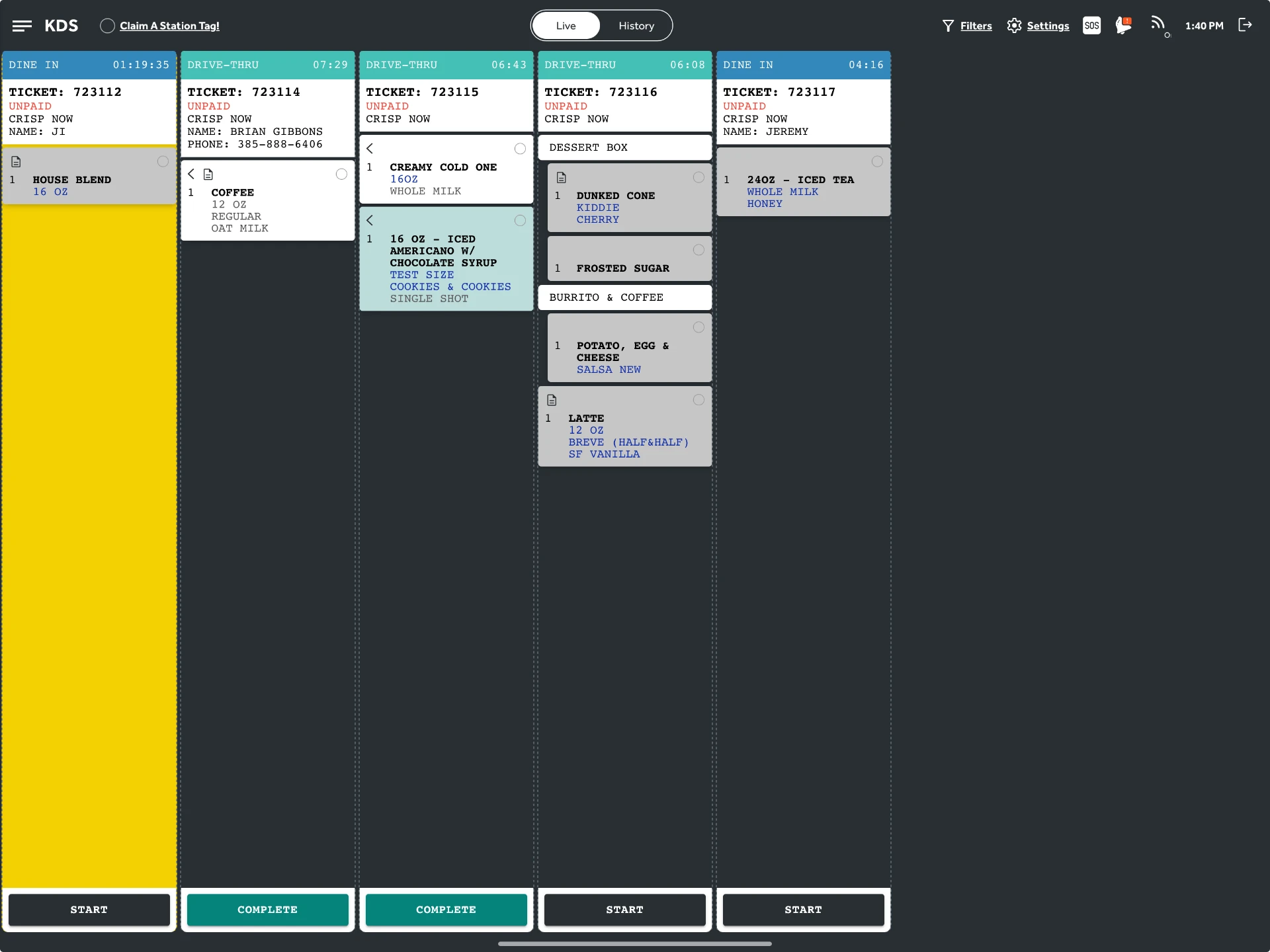
A beverage station, a make line, and an expo window do not read the same board. We support tablet-based KDS screens with layouts you can match to the station.
- Tablet-based KDS screens
- Horizontal rows, stacked rows, or dynamically sized tiles
- Configurable details such as how combos appear
- Multiple KDS stations supported
Kitchen displays
A beverage station, a make line, and an expo window do not read the same board. We support tablet-based KDS screens with layouts you can match to the station.
- Tablet-based KDS screens
- Horizontal rows, stacked rows, or dynamically sized tiles
- Configurable details such as how combos appear
- Multiple KDS stations supported
Labels
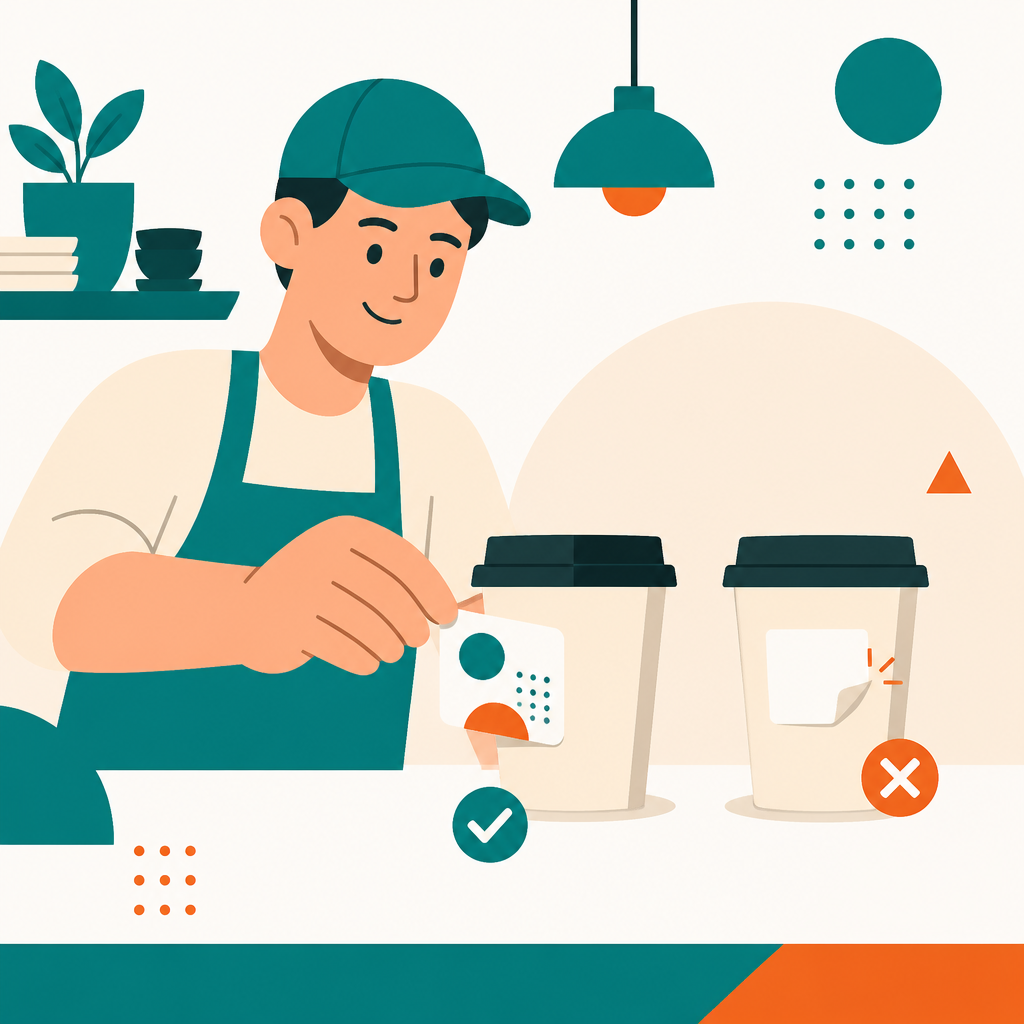
When twelve customized drinks come out in identical cups, the label is the only thing telling your team which is which.
- Adhesive product labels supported
- Include product name, size, modifiers, and reprint status on the label
- Especially useful when customized products share identical cups or packaging
- Use KDS, labels, or both
Product-level claiming
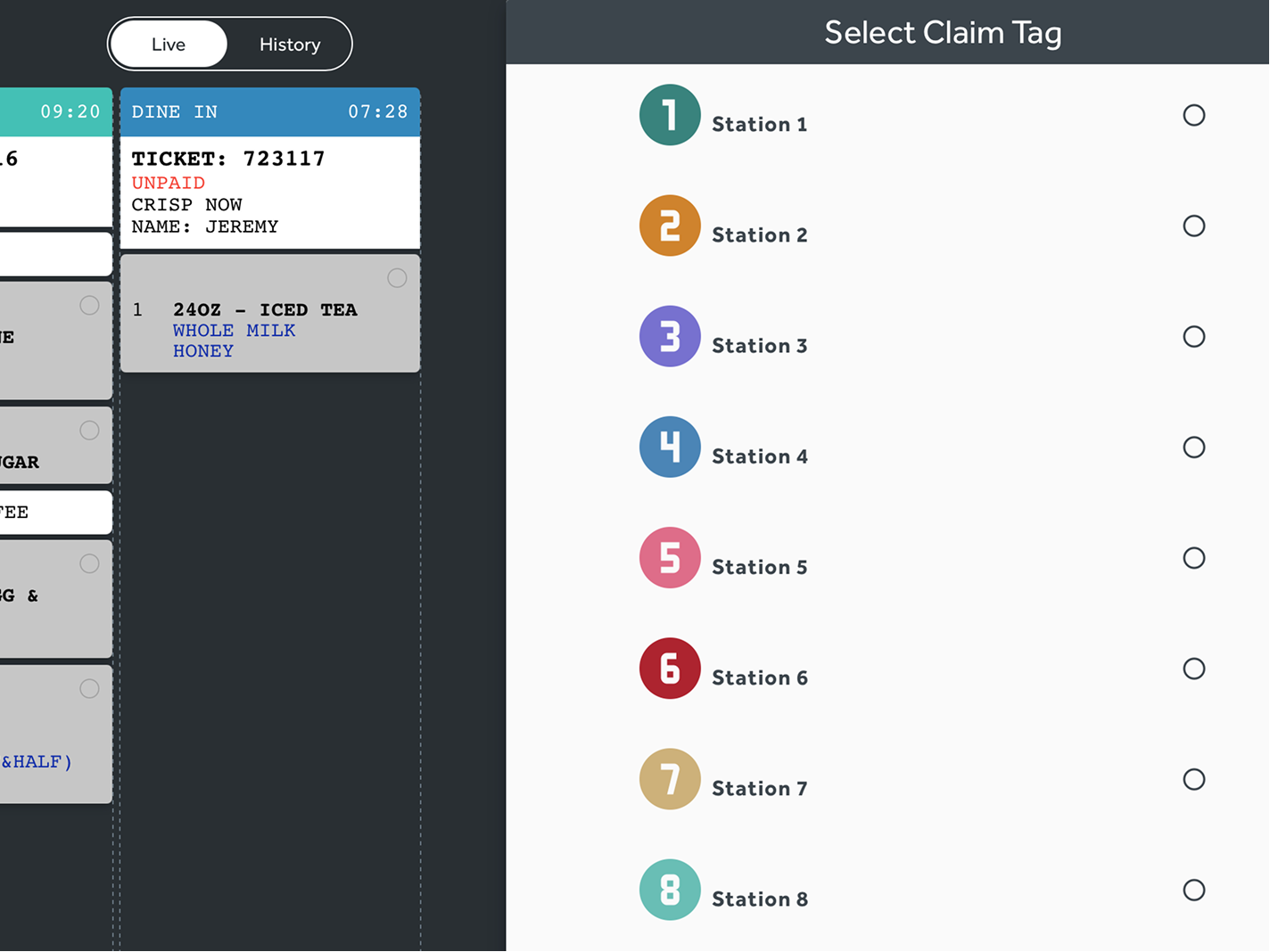
One ticket has six drinks and the next has one. Product-level claiming — internally called claim tags — lets several employees work the same tickets without duplicating a build.
- Mark which individual product each employee is making
- Let several employees work from the same tickets
- Balances production when ticket sizes are uneven
- Especially relevant for coffee and beverage stations with multiple baristas or machines
Route, assemble, fulfill
Products move from a production destination to expo assembly to handoff, with the order staying visible until it actually leaves.
- Assign products to a production destination
- Filter individual KDS screens to selected product categories
- Completed products move to expo for complete-ticket assembly
- Filter expo orders by configured order source or operational category
- Orders stay visible until marked fulfilled or picked up
A product is assigned to one production destination rather than automatically duplicated to several independent destinations. Multiple screens may use filters against a shared destination.
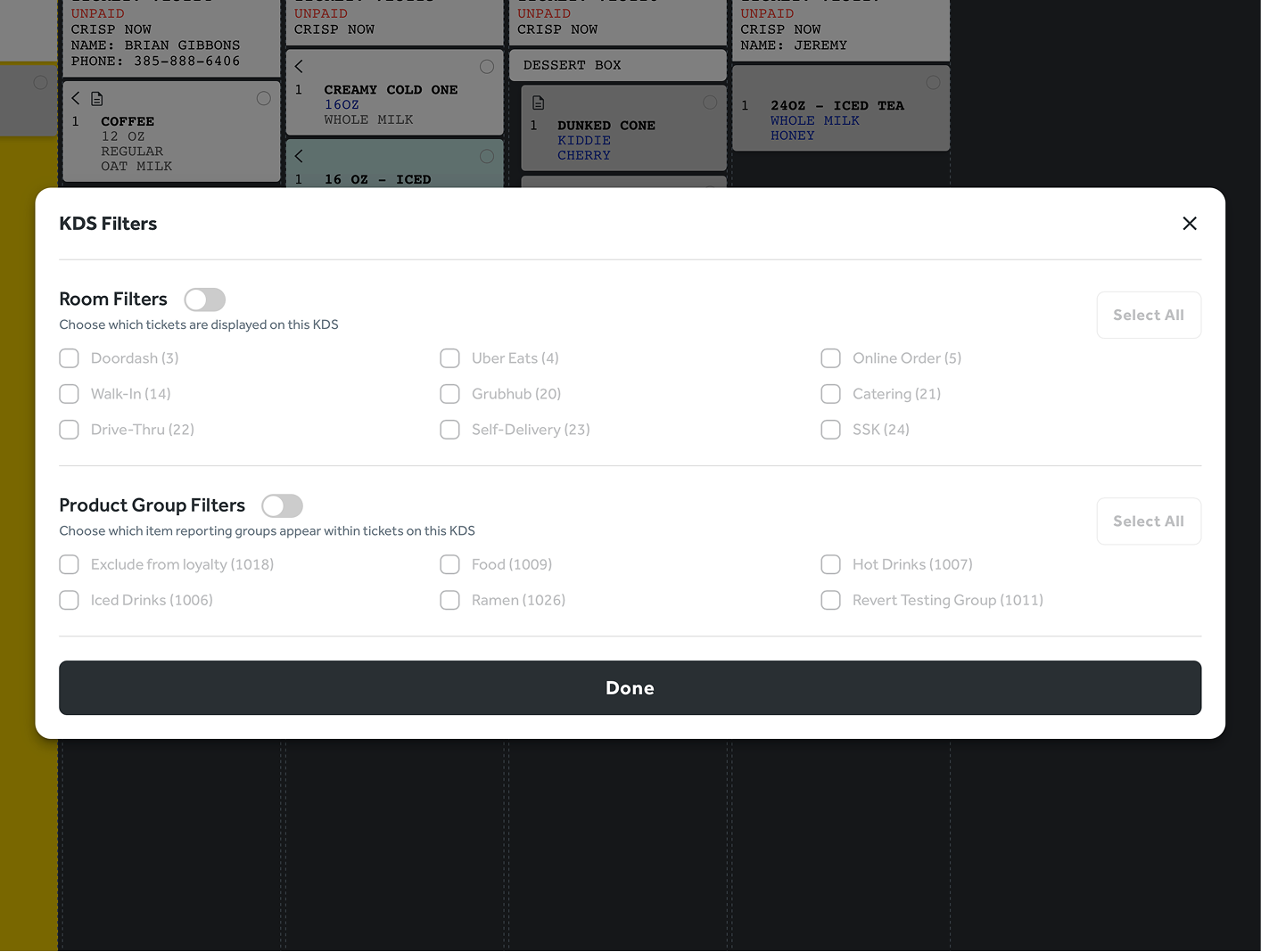
Keep the source visible without creating separate systems.
Every ordering channel enters one kitchen workflow, organized by configured order sources rather than a separate screen and separate process per channel.
Digital, scheduled, and marketplace volume is covered in more depth on Online Ordering.
- Walk-in orders
- Drive-thru orders
- Web orders
- Branded app orders
- Scheduled orders
- DoorDash
- Uber Eats
- Grubhub
See future orders without making them too early.
Operational visibility and active production timing are two different things. Your team can plan around a scheduled order long before the kitchen is asked to make it.
2:00 p.m. pickup
A guest schedules pickup for 2:00 p.m.
15-minute prep time
The store's configured prep time for the order is 15 minutes.
Visible now
See the scheduled order in the order overview.
Released at 1:45 p.m.
We wait until 1:45 p.m. to send it to the KDS or print production labels.
Get one kitchen right, then reuse it.
- Menu configuration determines product destinations and operational behavior.
- KDS filters, labels, expo, prep times, and order-source configuration get validated during a pilot.
- The approved workflow becomes the template for later stores.
- A store with a different physical layout can adjust local filters and configuration without rebuilding your whole brand menu.
The kitchen is one stage of the same order.
Point of Sale
Where the order and its modifiers originate.
Drive-Thru & Line Busting
Outdoor orders entering the same workflow.
Online Ordering
Web, app, scheduled, and marketplace volume.
Menu Management
Destinations and operational behavior by product.
Reporting & Analytics
Production and fulfillment visibility over time.