
Built for the line, not just the counter.
Take orders and payments before the vehicle reaches the window, keep several outdoor employees coordinated, and send every item into the same kitchen workflow with the vehicle context your handoff team needs.
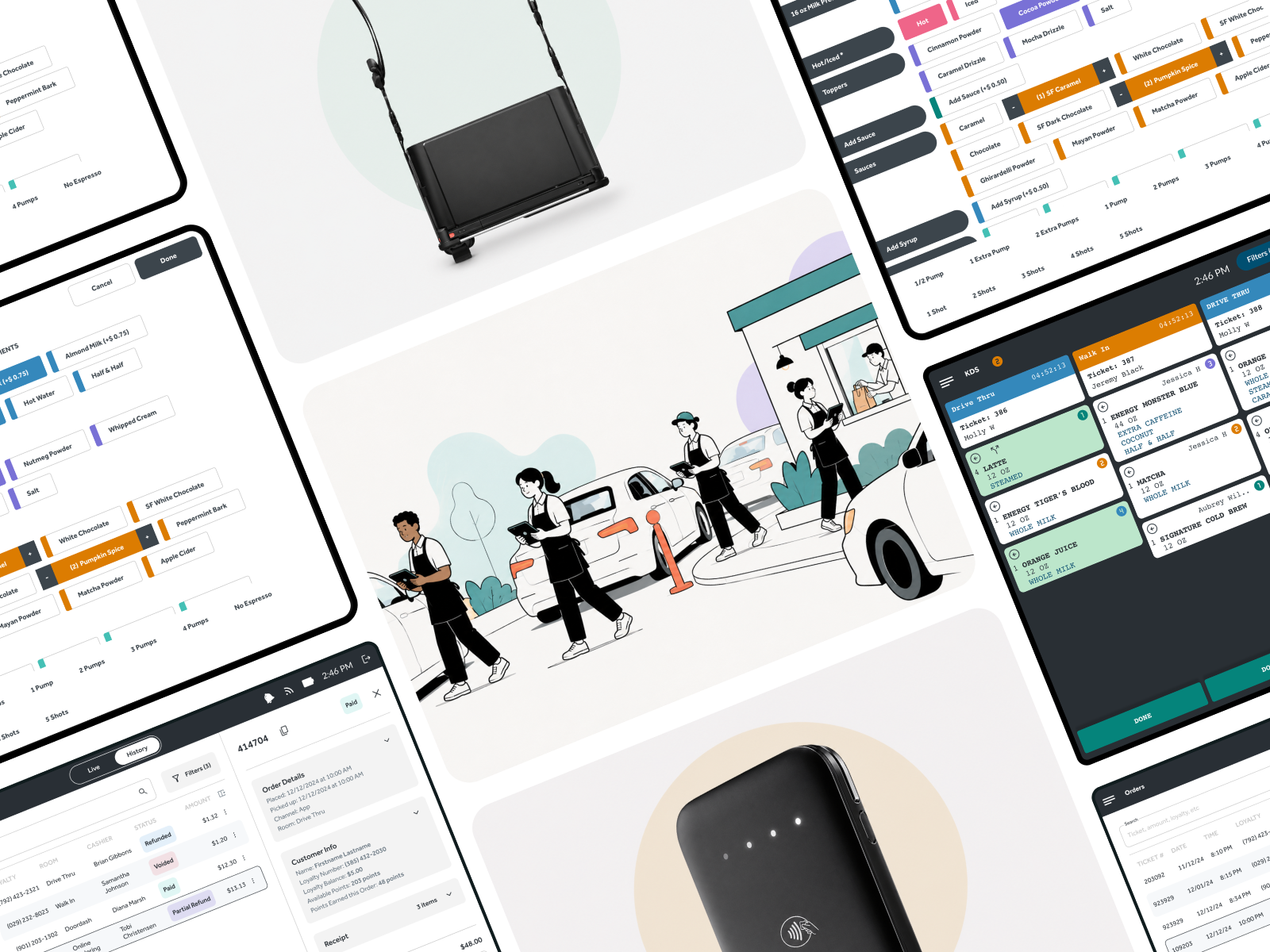
Line-busting works when the whole store is designed around it.
Putting a register interface on a tablet is the easy part. High-volume outdoor ordering depends on every one of these working together:
- Mobile order entry
- Reliable outdoor connectivity
- Mobile payments
- Vehicle identification
- Configured lane or order-source organization
- Kitchen and expo routing
- Hardware employees can comfortably carry
What it takes to run the lane.
Several order takers, one coordinated operation.
You may deploy several employees in the line at once — some run five during peak as an example, not as a system limit. Every order enters the same Crisp operating system.
- All outdoor orders enter the same system as the registers inside
- Use configured order categories to organize Lane 1, Lane 2, or other workflows
- The order source stays visible to your kitchen and fulfillment teams
- We don't automatically detect which lane a vehicle is in — the source is configured and selected
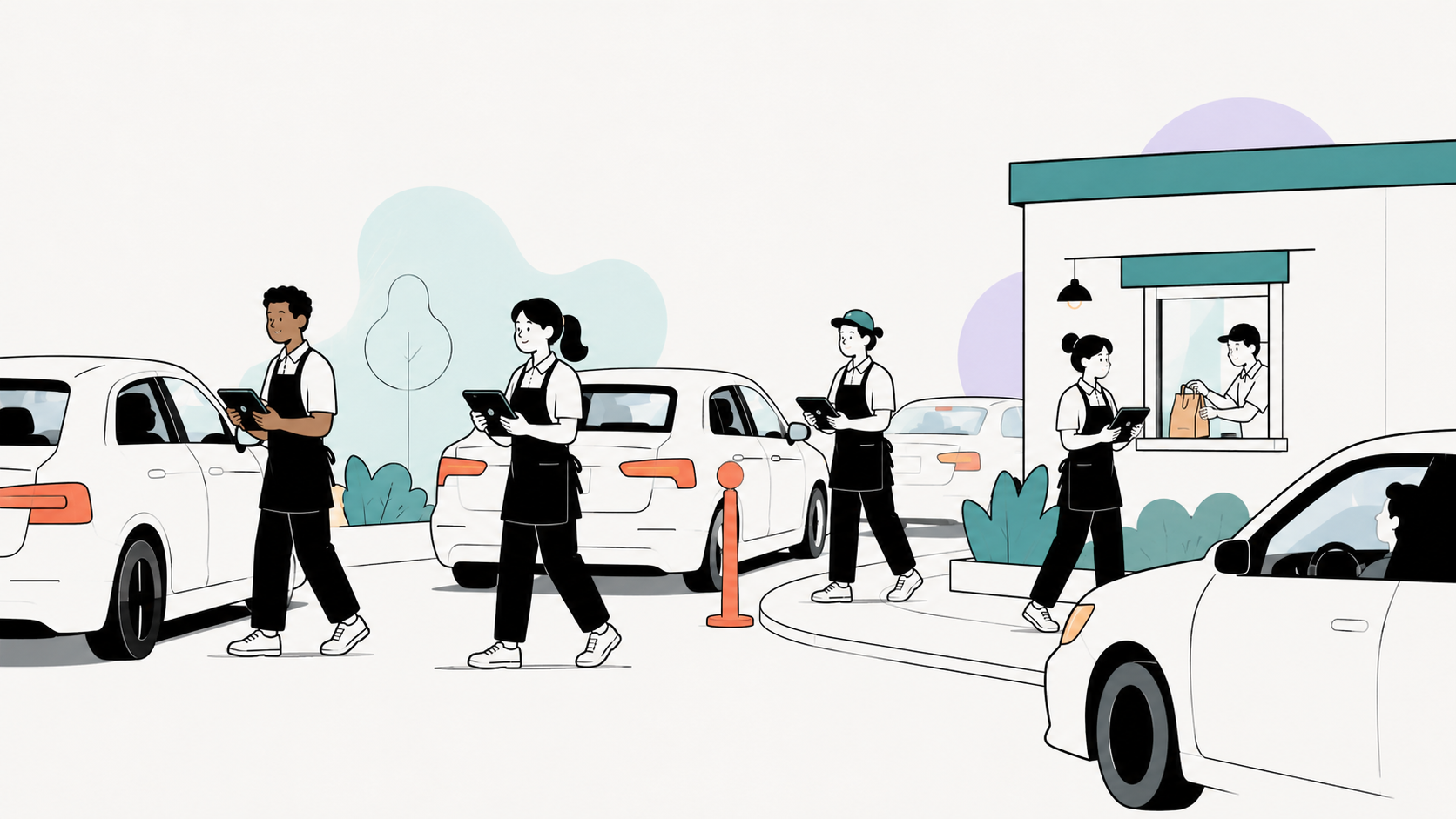
Several order takers
You may deploy several employees in the line at once — some run five during peak as an example, not as a system limit. Every order enters the same Crisp operating system.
- All outdoor orders enter the same system as the registers inside
- Use configured order categories to organize Lane 1, Lane 2, or other workflows
- The order source stays visible to your kitchen and fulfillment teams
- We don't automatically detect which lane a vehicle is in — the source is configured and selected
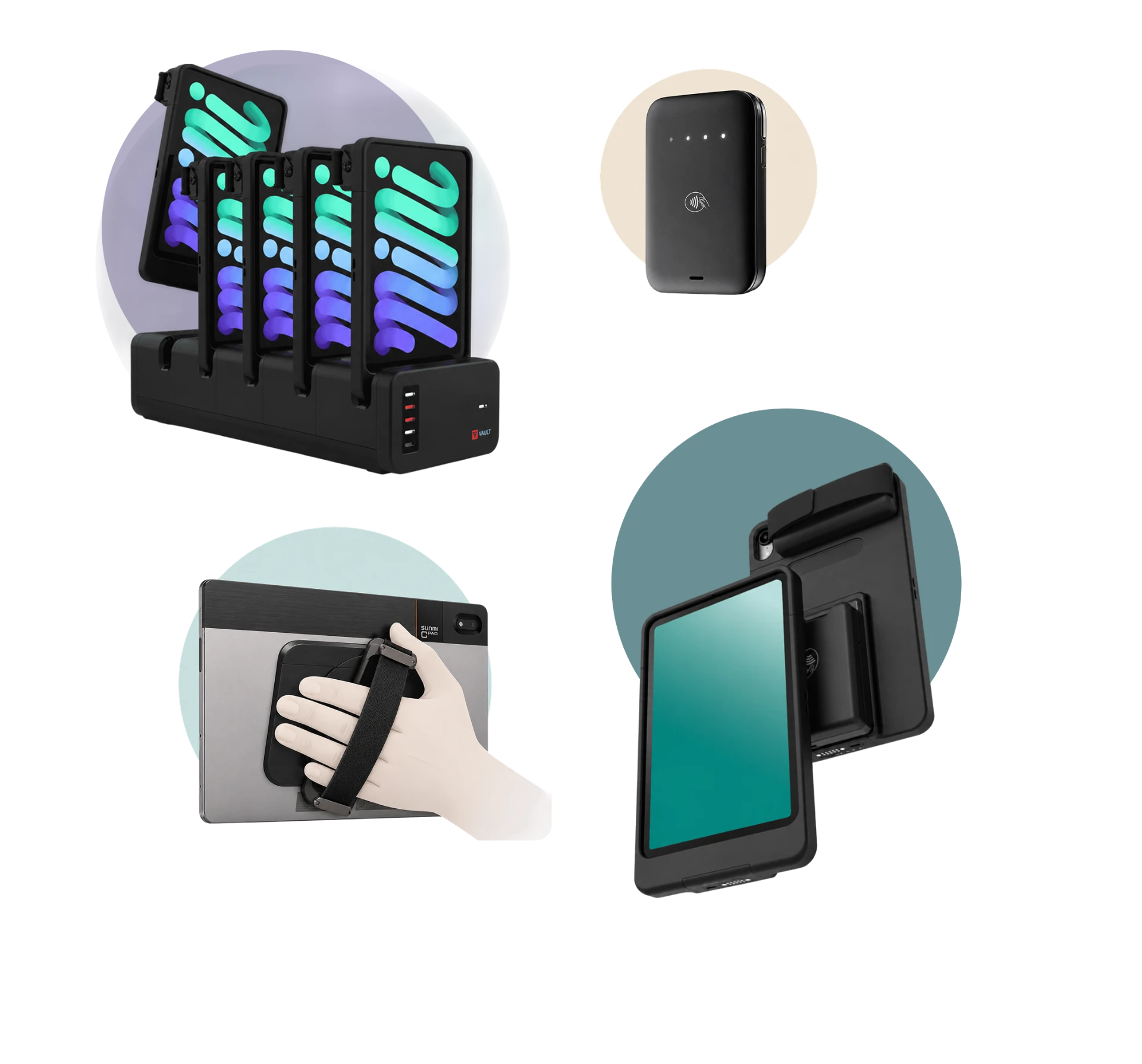
Mobile hardware
Line-busting hardware has to survive weather, movement, and a full shift in someone's hands. We support iOS and Android configurations with accessories built for outdoor use.
- Combine an iPad case with a mobile Adyen NYC1 reader in iOS kits
- Android devices may support NFC tap-to-pay without a separate reader on supported hardware
- Android tap-to-pay currently adds an additional per-transaction fee
- Accessories include cases, straps, and sunshades
- Crisp does not sell iPads
Outdoor connectivity
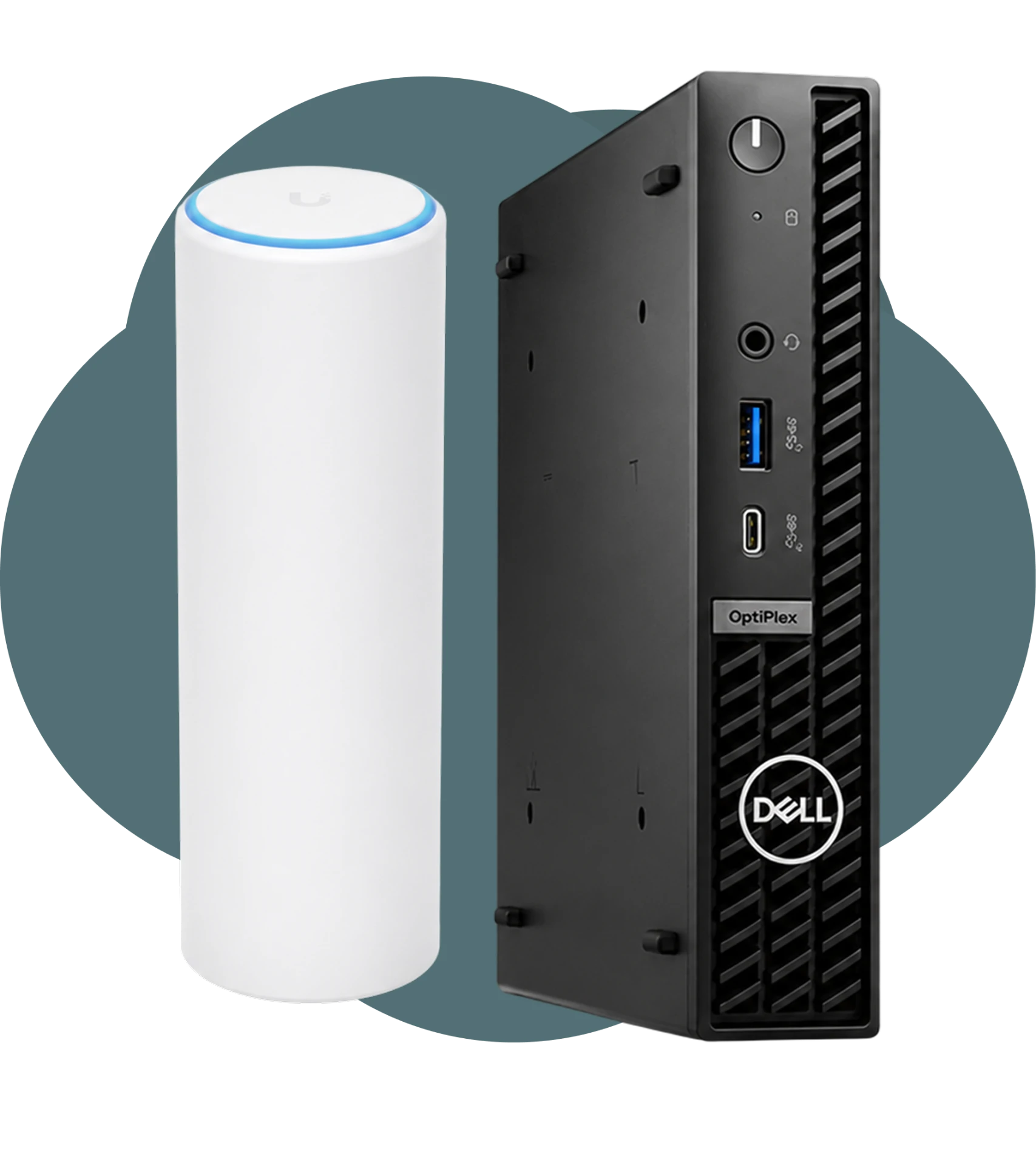
Outdoor ordering depends on coverage in the lot, not just at the counter. We support managed network configurations and can troubleshoot them remotely.
- Standard stores may use a managed Meraki network
- Stores needing greater exterior coverage can use wired Ubiquiti access points
- Exterior access points may require a local Ethernet run and physical mounting
- We can manage and troubleshoot supported Meraki and Ubiquiti environments remotely
- Enterprise customers may instead use a documented customer-managed network configuration
Vehicles and employees
Outside, the order is attached to a car and an employee who is away from the building. We keep both pieces of context in the workflow.
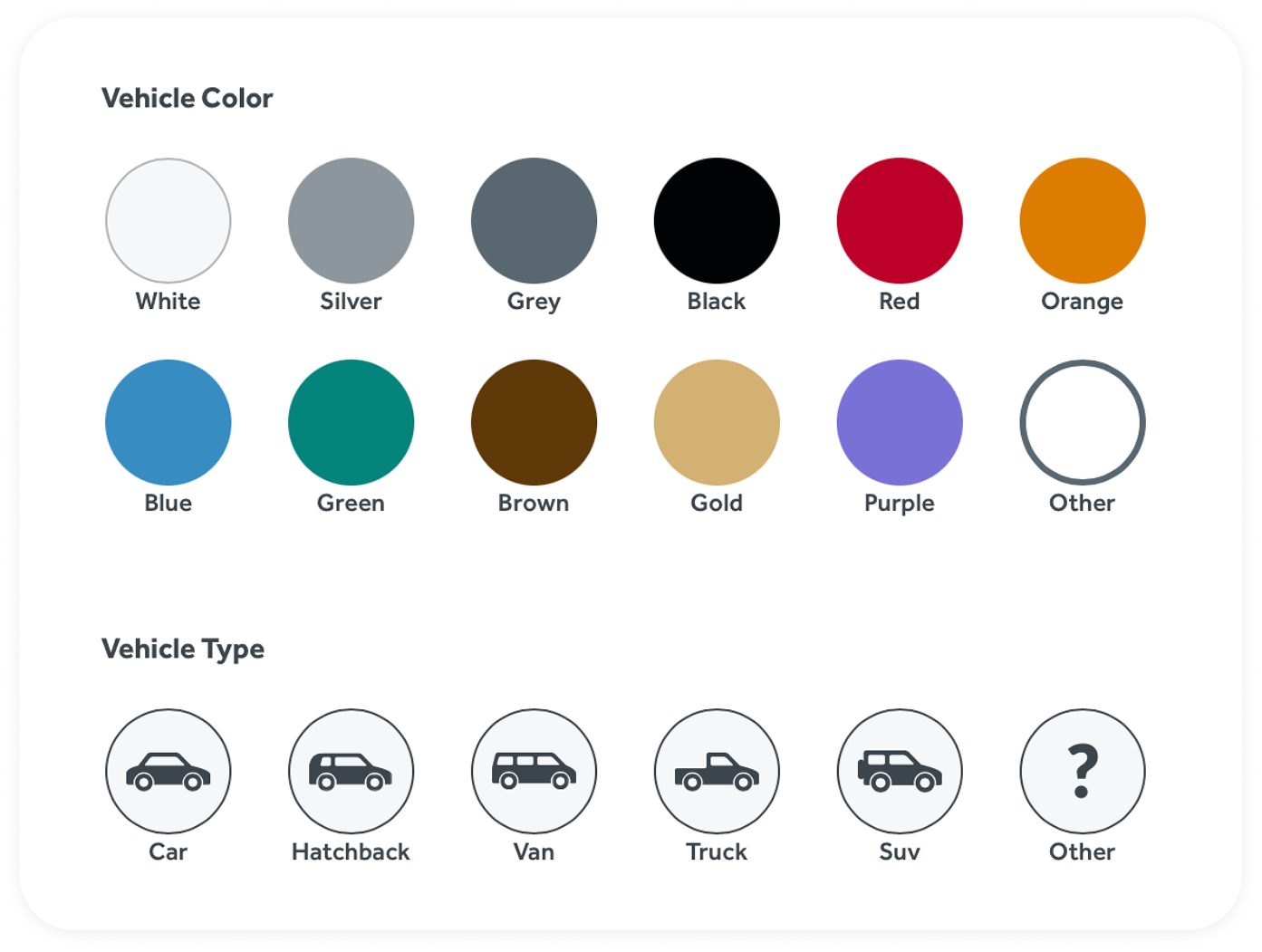
- Record vehicle color and type as you take the order
- Your kitchen and handoff teams use that context to match orders to the correct vehicle
- Expose the relevant vehicle fields in drive-thru order flows
- An SOS option lets an outdoor employee ask the inside team for help
- SOS is an internal request to the store team — it is not emergency dispatch or security monitoring
The order starts outside. The workflow stays connected inside.
- 01
Identify and enter the order
The employee identifies the guest and enters the customized order on a mobile device.
- 02
Select the source or lane
The employee selects the configured drive-thru source or lane for the order.
- 03
Attach vehicle context
Vehicle color and type stay attached to the order through fulfillment.
- 04
Release production early
Quick Kitchen can release completed products before the full checkout is finished.
- 05
Take payment outside
Payment can be taken in the line using the configured mobile hardware.
- 06
Hand off inside
KDS, labels, expo, and handoff teams receive the order in the normal Crisp workflow.
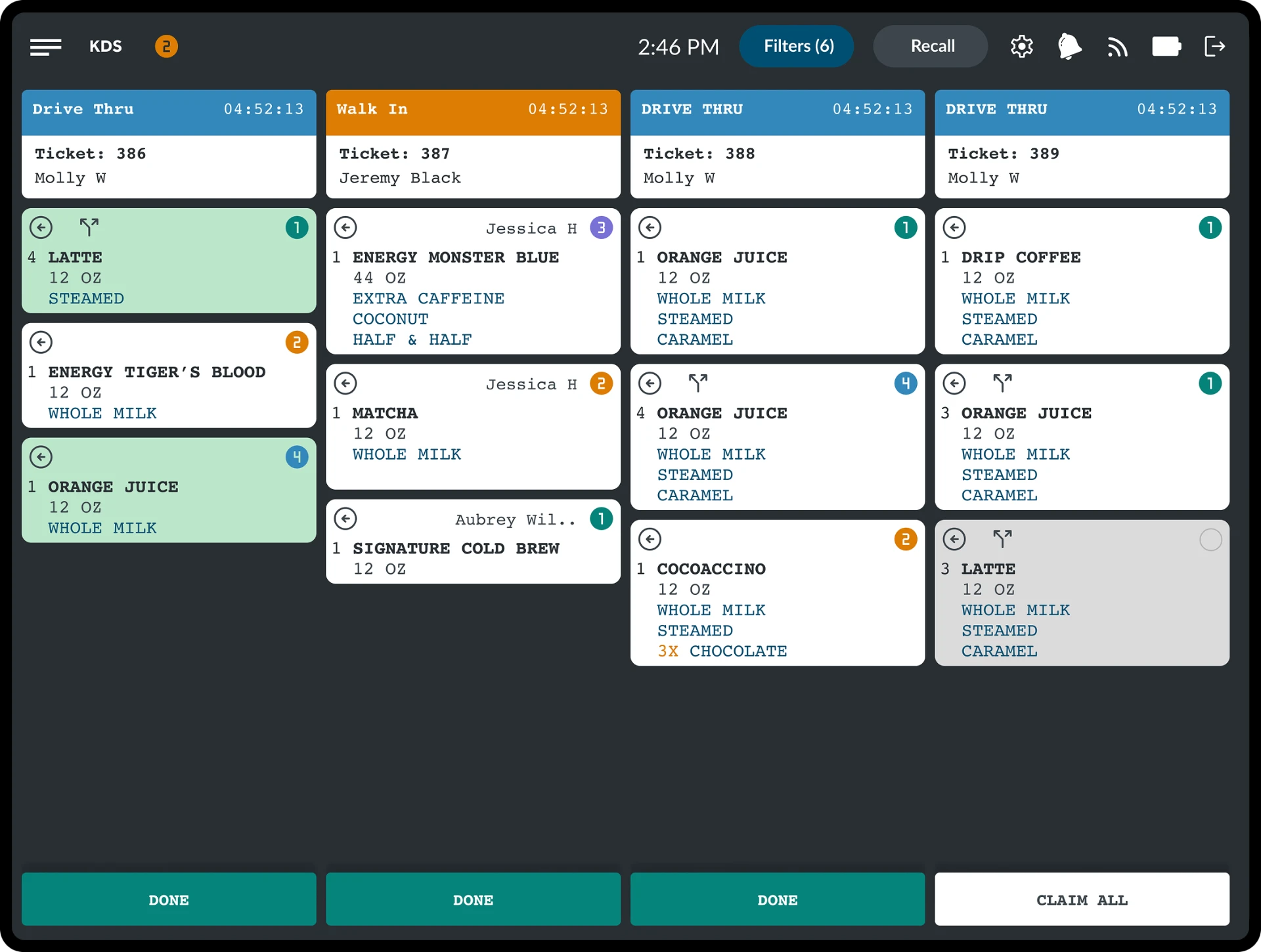
Quick Kitchen and the rest of the production workflow are explained on Kitchen Operations.
Throughput comes from the combination, not one feature.
- Fast modifier entry
Complex builds entered without digging through menus.
- Early production
Quick Kitchen can start items before checkout completes.
- Change acknowledgement
Changed products flash on the KDS and require acknowledgement.
- Vehicle identification
Color and type keep the handoff matched to the right car.
- Managed connectivity
Coverage designed for the lot, not only the counter.
- Product-level claiming
Employees claim individual products so work divides cleanly.
- Source and fulfillment visibility
Teams see where an order came from and where it is going.
One of the nation's fastest beverage drive-thrus.
Swig uses Crisp to take orders upstream — face-to-face at the vehicle, with payment processed the moment the order is placed. By the time a customer reaches the window, the only step left is handing over the drink.
"With Crisp's Upstream Ordering, we've revolutionized our drive-thru experience, significantly enhancing our operational efficiency and throughput. It's not just about speed; it's about the quality of interaction and the overall customer experience."