
Manage every screen from one place.
Publish image and video content across every location from the Crisp portal. With Crisp Displays and Amazon Signage Stick, your team gets simple device setup, centralized content management, and the flexibility to adapt displays for individual stores and markets.
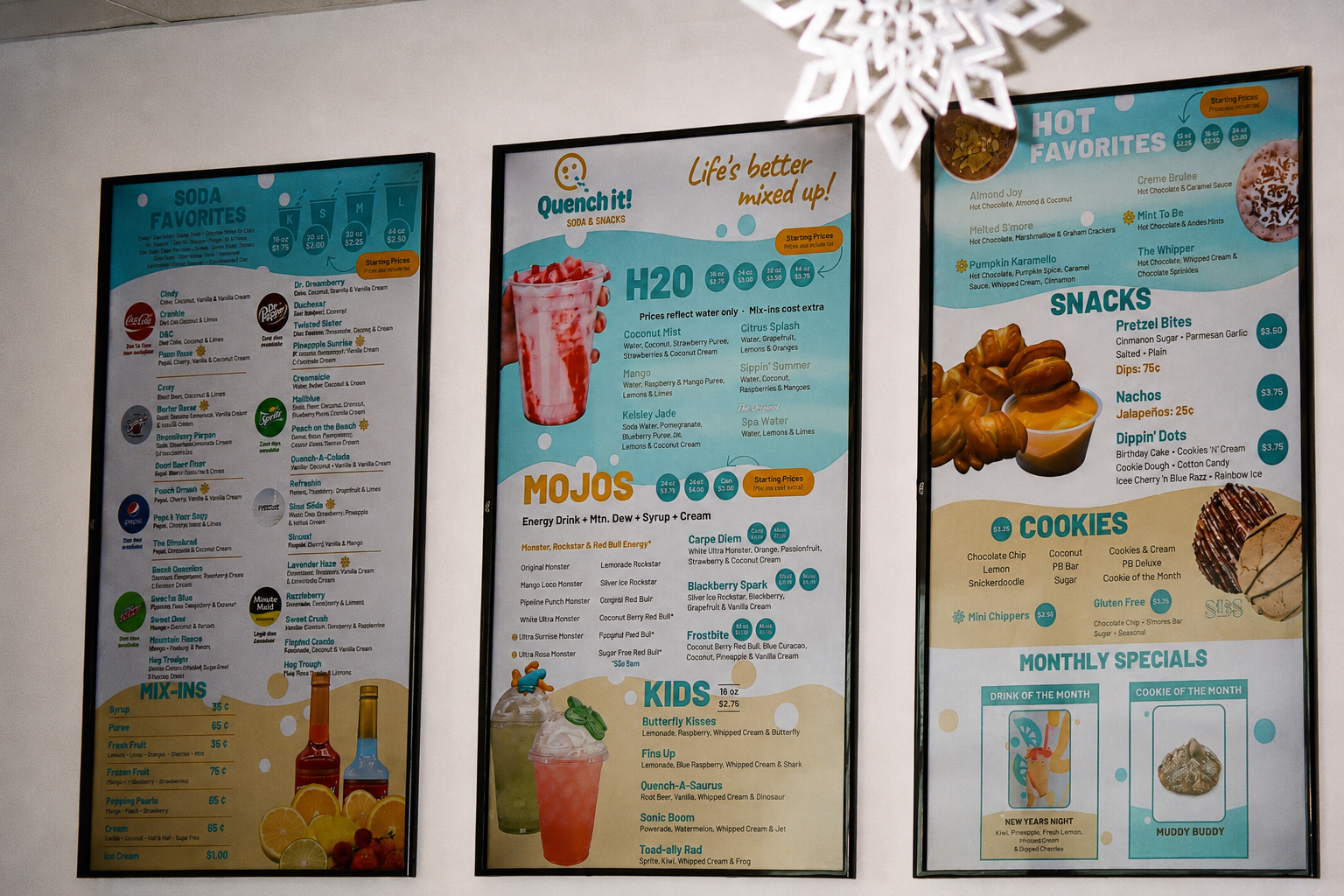
Managing menu board content across multiple stores can quickly become fragmented. Each location may need different pricing, product imagery, promotions, or screen configurations, while you still need your brand to feel consistent everywhere.
One place to manage your entire display network. Publish content broadly, organize locations into groups, and create store-specific exceptions without visiting every restaurant or managing each display independently.
Create once, publish to the stores you choose.
You create and organize signage content centrally, then publish it to selected locations. Screens are grouped into series so a store can run different content on different displays without managing each screen on its own.
- Content is created and managed centrally in the Crisp portal
- Displays are organized into series and published to selected stores
- Store-level exceptions are supported without breaking the brand standard
- Signage content is managed separately from POS menu configuration
- Screen content can be updated without visiting each restaurant
Everything your team needs to manage digital displays.
Central display management
Manage your digital menu board content across every participating store from the Crisp portal. Update a single display, a group of locations, or your broader display network from one place.
- Multi-location management
- Central publishing
- Display-level control
Images and video
Build more engaging menu boards using both static imagery and video content. Publish complete display series that match your restaurant's brand and menu board format.
- Image support
- Video support
- Multi-screen content series
Groups for regional differences
Organize your stores and displays into groups so different markets can receive different content. Support differences in pricing, product availability, store formats, and regional campaigns without managing every screen separately.
- Store and display groups
- Regional content variations
- Different content series by group
Store-level exceptions
Start with shared content and create exceptions where individual restaurants need something different. Adjust a specific store or display without rebuilding the content configuration for the rest of your organization.
- Store-level configuration
- Display-level exceptions
- Flexible local control
Advanced remote support
When a device needs attention, our Crisp Support team can use advanced remote troubleshooting tools to investigate the issue, review error logs, and restart the device without immediately sending someone to your restaurant.
- Remote device restart
- Error log review
- Help from Crisp Support
Simple, professional digital signage.
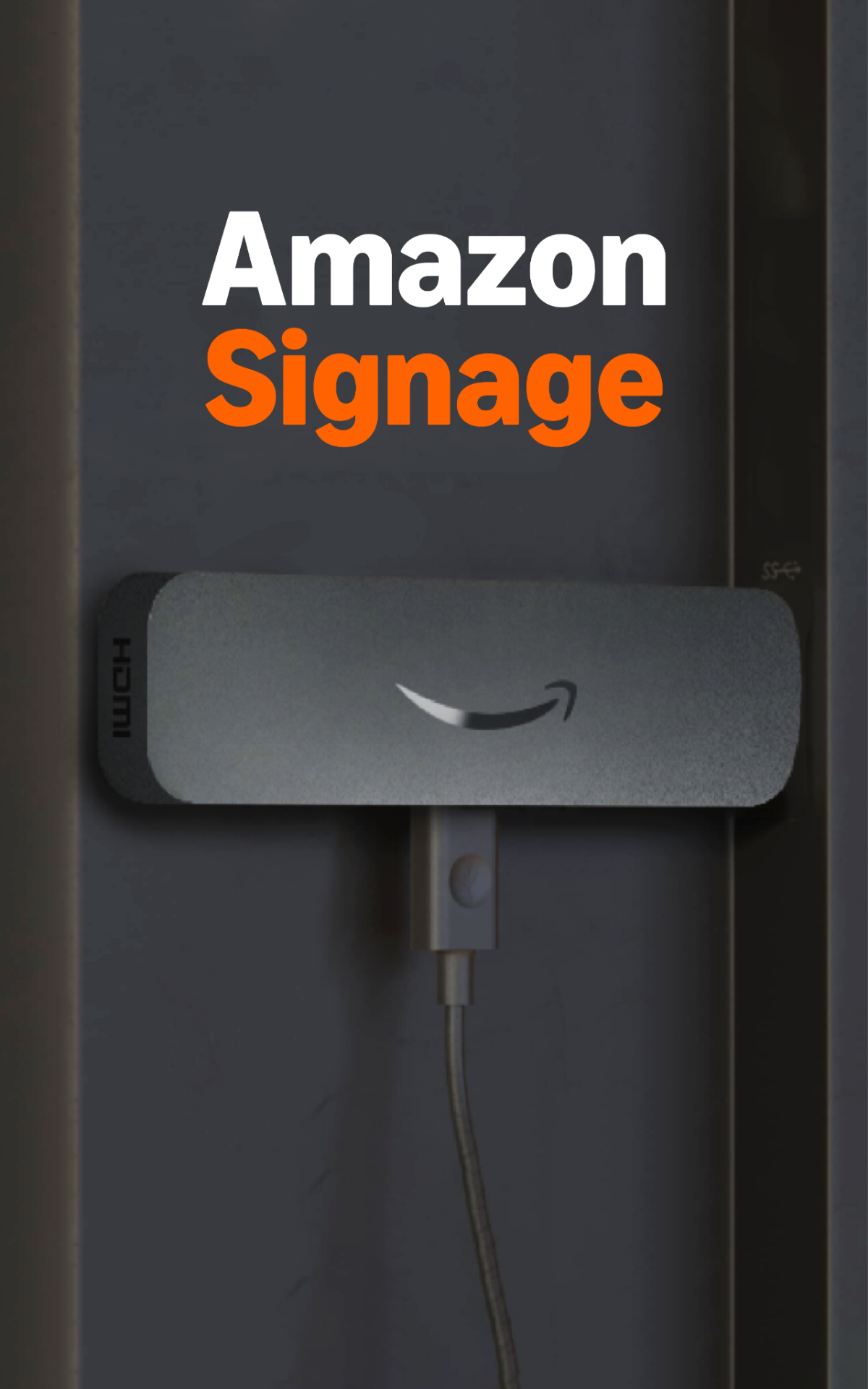
Amazon Signage Stick is a powerful, reliable, and affordable media player purpose-built for businesses and organizations. Its secure, plug-and-play design makes it easier to deploy professional digital signage on compatible screens.
Crisp Displays is compatible with Amazon Signage Stick, giving you an easy way to deploy Crisp-managed content across individual displays and multiple locations. An active Crisp account is required.
Affordable professional signage
Professional signage performance for a wide range of businesses and applications, designed for a variety of budgets.
Purpose built for digital signage
Amazon Signage Stick auto-launches the selected CMS in kiosk mode for uninterrupted playback and is secure by design.
Easy setup
Set up multiple Amazon Signage Sticks in minutes using the Amazon Signage mobile app. No specialized technical expertise is required.
Seamless integration
Crisp Displays works with Amazon Signage Stick so content can be managed through the Crisp portal. An active Crisp account is required.
Powerful performance
Support for brilliant 4K experiences, quad-core performance, and Wi-Fi 6 connectivity in a compact device.
Built to scale
Use one Amazon Signage Stick per screen and expand the deployment across additional displays and restaurant locations.
From an empty screen to managed content.
- Step 1
Connect the display
Connect an Amazon Signage Stick to each compatible screen and complete device setup using the Amazon Signage mobile app.
- Step 2
Select Crisp
Choose Crisp as the content management software for the Amazon Signage Stick and connect the device to the appropriate Crisp display configuration.
- Step 3
Publish from Crisp
Use the Crisp portal to assign content, organize displays into groups, create store-level exceptions, and publish images or video across the display network.
What changes for your team.
- Manage displays across locations without visiting every store.
- Keep brand content consistent across the restaurant group.
- Adapt content for regional pricing and product differences.
- Publish images and video from one central portal.
- Configure exceptions for individual stores and displays.
- Give our Crisp Support team more tools to resolve device issues remotely.
- Add additional displays and locations using a repeatable setup process.
An active Crisp account is required.
Better with the rest of the platform.
Other pieces of our platform that many restaurant groups use alongside Crisp Displays.
Enterprise Menu Management
Central menu control with per-market pricing, per-store overrides, and audit-friendly chan…
Point of Sale
Trainable in a shift. Fast at peak. Reliable when the internet drops. Connected to every o…
Drive-Thru and Linebusting
This is the actual copy we want to use here. Our drive-thru system rules.…
Hardware
Displays, media players, and the rest of the restaurant tech stack.
A simpler way to manage every menu board.
See how Crisp Displays and Amazon Signage Stick can make display deployment and multi-location content management easier for your restaurant group.
An active Crisp account is required. Amazon Signage and Amazon Signage Stick are trademarks of Amazon.com, Inc. or its affiliates.